One geometry engine for every format
The preview, SVG, PNG, and print-to-PDF output all start from the same paper geometry.
Use first, read later
The first screen stays dedicated to the generator. This section explains the product only after the user has already found the paper, the controls, and the live preview.
47
public paper types
12
setting groups
4
export formats
OpenPrinter
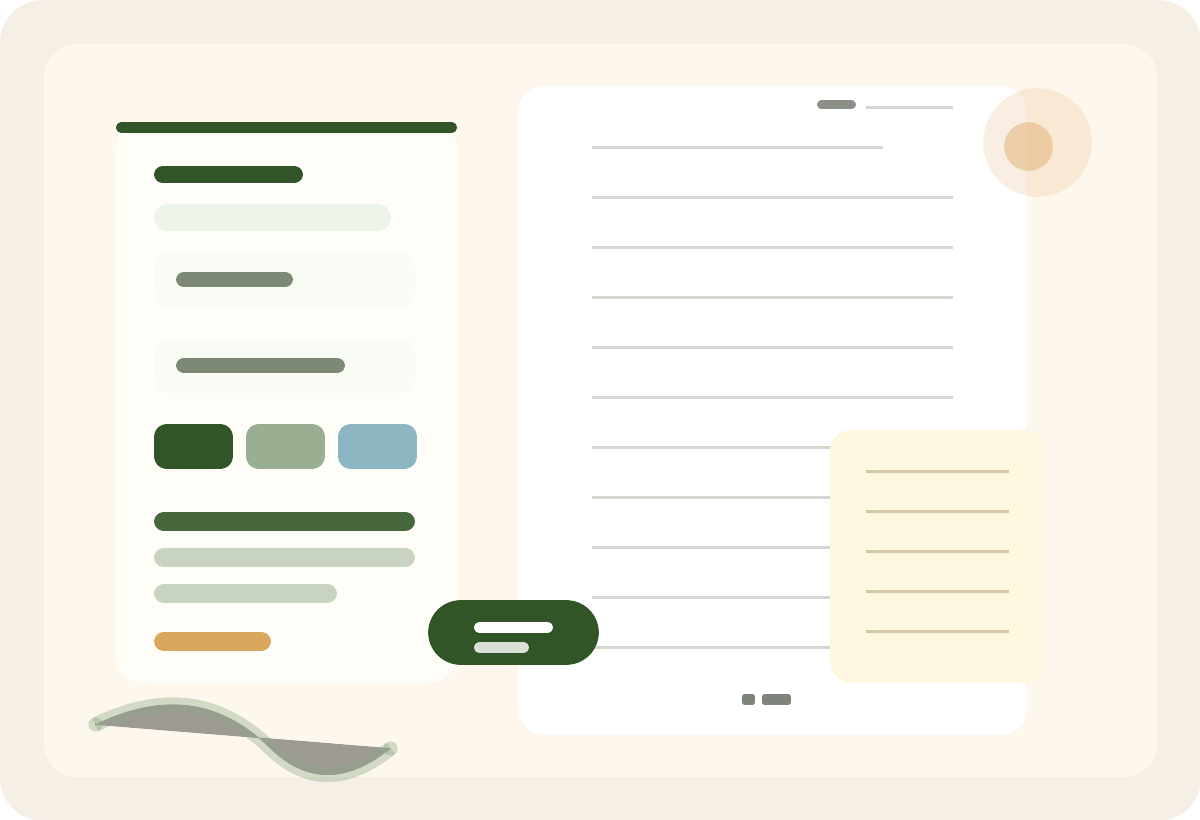
OpenPrinter keeps the useful parts of a template library, then adds a configurable production surface around them.
The preview, SVG, PNG, and print-to-PDF output all start from the same paper geometry.
Every spacing, color, and sidebar decision updates the visible sheet before export.
Forty-seven reviewed paper types share one workspace while unfinished templates remain private.
PDF printing, SVG, and PNG export all start from the same geometry engine.
Choose from forty-seven reviewed formats, now including Chinese-English Word Practice, Sketch Paper, and the reviewed planning, note, practice, calligraphy, grid, and music papers.
Adjust size, spacing, margins, and style.
Inspect the exact page before exporting.
Save PDF, SVG, PNG, or DOCX.
The public set now includes Chinese-English Word Practice with numbered translation blanks and four-line handwriting guides, alongside Sketch Paper and the reviewed planning, note, calligraphy, grid, and music formats. Every format shares an optional date capability.
The tool stays at the top. Come back to it anytime and keep tuning the same sheet.